
Arts & Sciences Technology
Common Links/Issues
- Computer Procurement for A&S Faculty/Staff
- Computer Data Backup (Open CrashPlan Code42 to verify)
- BOX Access (when employees leave)
Classroom & Learning Support
- Classroom Technology
- Call (254) 307-1614 for Immediate Help
- Email CTS@baylor.edu to report issues, offer suggestions, get training
- Specialties Directory and Chat
- ITS Helpdesk
- Walk-up Helpdesk+ in Moody, Garden Level; bring your phone, laptop, or issue
- Online: Helpdesk.Baylor.edu or call 710-HELP (4357) or email helpdesk@baylor.edu with the issue, contact info, and Asset Tag number
A&S Technology Staff
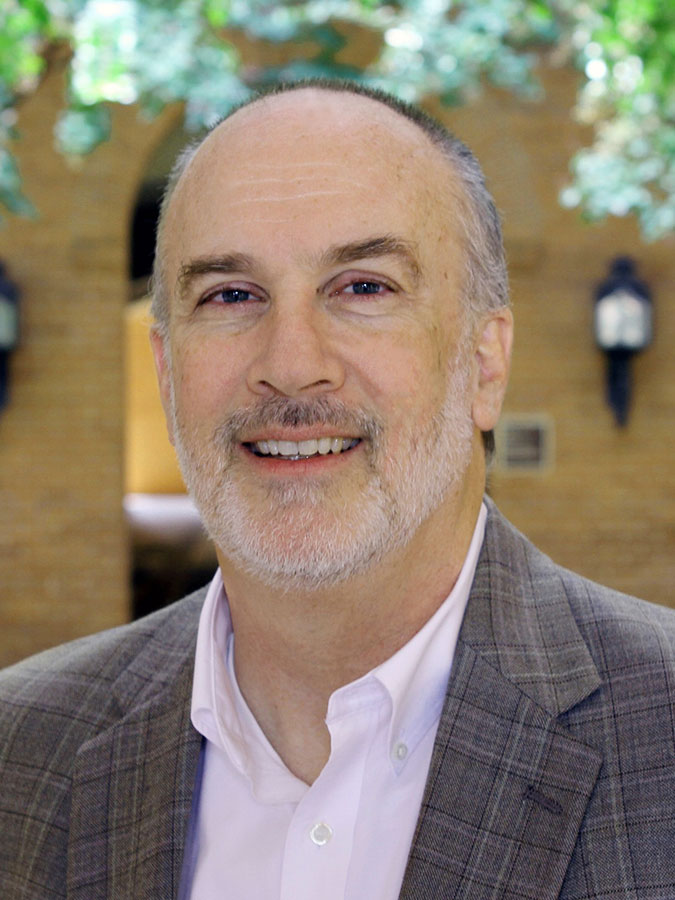
Wes Johnson
Director of A&S Technology
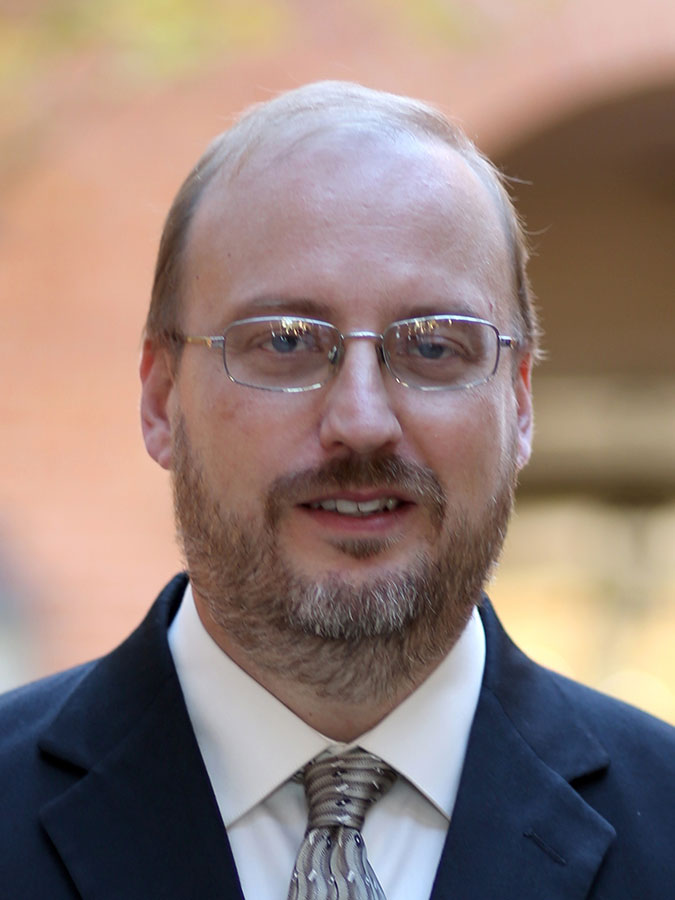
Nolan Skains
Assistant Director, Arts & Sciences Research Systems
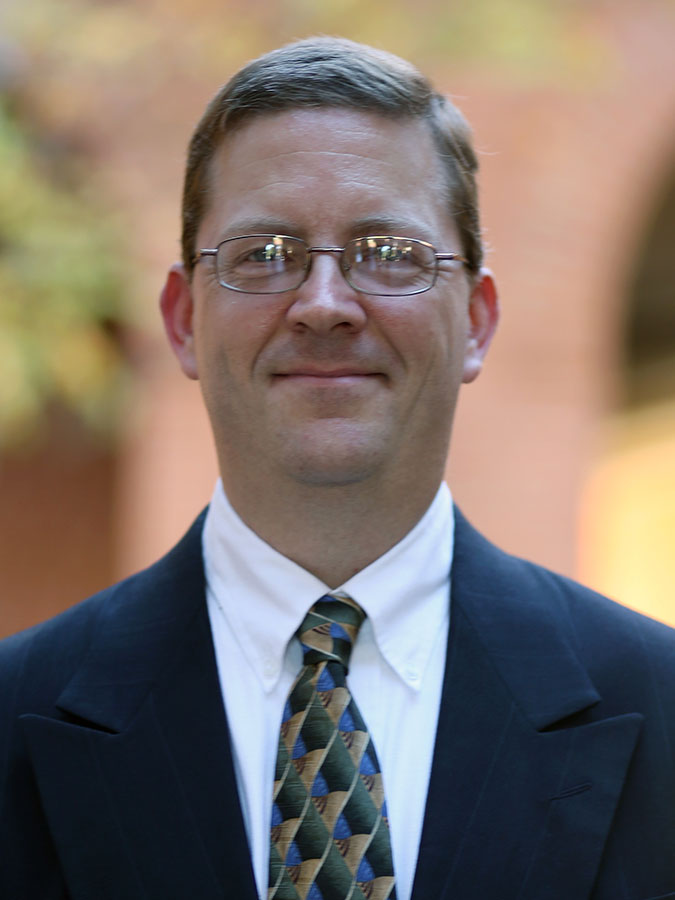
Jim Hare
Senior Academic Consultant
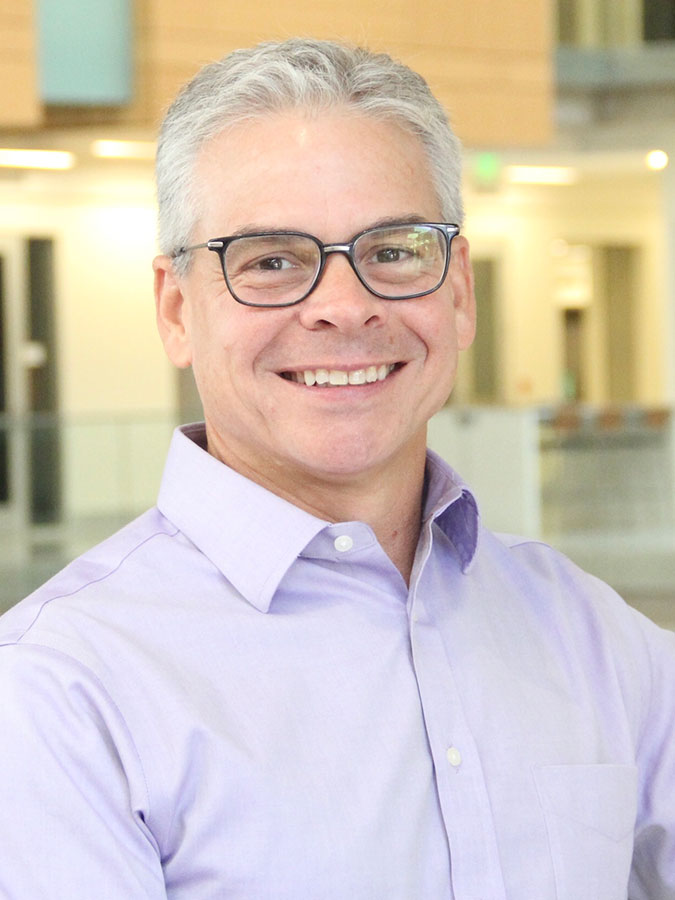
Stephen Rylander, M.B.A.
Senior Academic Consultant

William "Brad" Padgett
Technology Support Specialist II